What Is a 3MF File? The ISO-Standardized Replacement for STL in 3D Printing
The 3D Manufacturing Format — a ZIP archive containing XML that carries everything STL cannot: color, units, materials, and print settings.
Updated Mar 2026
What Is a 3MF File?
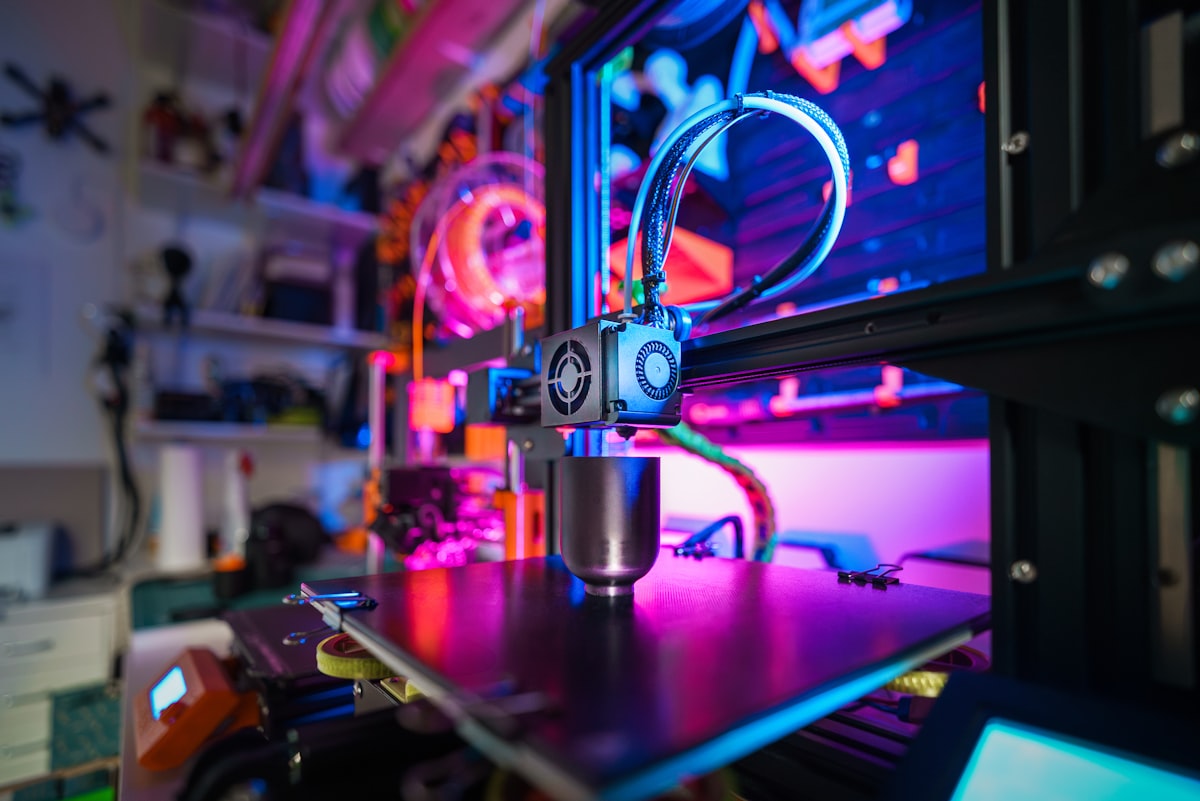
3MF (3D Manufacturing Format) is a file format designed from the ground up for additive manufacturing (3D printing). Released in 2015 by the 3MF Consortium — a coalition originally formed by Microsoft, HP, Netfabb, and Dassault SolidWorks — it was built to replace STL's 1987-era design with something that could handle the full complexity of modern 3D printing: color, texture, multiple materials, unit specifications, and complete build plate metadata. In June 2025, 3MF was published as ISO/IEC 25422:2025, becoming the first internationally standardized 3D printing file format.
If STL is a sticky note with one piece of information (the triangle mesh), 3MF is an entire folder handed to the printer: here is the geometry, here are the colors, here are the units, here is which nozzle prints which part, here is where on the build plate everything goes. The printer receiving a 3MF file has everything it needs without any guesswork.
A 3MF file is a ZIP archive. Rename any .3mf file to .zip and you can extract it with any archive tool. Inside, you will find a structured folder layout: a `[Content_Types].xml` file, a `_rels` folder with relationship definitions, and a `3D` folder containing `3dmodel.model` — the main XML file with all the model data. Textures, thumbnails, and extension data appear as additional files in the archive. This open, inspectable structure is a deliberate design decision: 3MF files are not opaque binary blobs.
The 3MF Consortium today includes sixteen steering members and over twenty associate members: Autodesk, Dassault Systèmes, Hewlett Packard, Microsoft, Nikon SLM Solutions, PTC, Ultimaker (now UltiMaker-Makerbot), Stratasys, and Prusa Research, among others. This industry-wide backing distinguishes 3MF from any one vendor's proprietary format.
Technical Structure: Inside a 3MF Archive
The core of a 3MF file is `3dmodel.model` — an XML file that defines geometry using a structure of meshes, components, and objects. The geometry section stores vertices as a flat list of (x, y, z) coordinate triplets, and triangles as index triples referencing those vertices. This is mathematically equivalent to STL but expressed in XML: `<vertex x="0" y="0" z="0"/>` instead of binary floating-point. The XML overhead is compensated by ZIP compression — 3MF files are typically 30–60% smaller than equivalent binary STL files.
A critical 3MF feature absent from STL: the `<resources>` section. Resources define reusable objects that can be placed multiple times in the build with different positions, orientations, and material assignments. A scene with 50 identical screws defines the screw geometry once as a resource and references it 50 times — dramatically reducing file size compared to STL's requirement to duplicate geometry for every instance.
Unit specification is embedded directly in the XML: `<model unit="millimeter">` eliminates the chronic STL scaling confusion where the receiver has to guess whether 1 unit means 1 millimeter or 1 inch. Supported units: millimeter, micron, centimeter, inch, foot, and meter. The build volume element specifies the print envelope, ensuring the slicer can validate that models fit before sending to the printer.
Metadata elements allow embedding structured information: part name, designer, description, creation date, modification date, application name, and custom key-value pairs. This metadata survives through the entire workflow — from designer's CAD software through slicer to printer log — something completely impossible with STL.
3MF Extensions: Color, Materials, Lattices, and More
The 3MF Core Specification defines the base geometry format. A family of optional extensions adds specialized capabilities, each independently versioned and adoptable. Understanding which extensions your software supports determines what 3MF features are available to you.
The Color Extension (3MF Color Group) enables per-vertex or per-triangle color assignment using sRGB values. This allows full-color 3D printing on compatible machines (Stratasys PolyJet, multi-filament FDM with MMU or AMS systems). The Texture Extension builds on this with UV mapping and 2D texture image embedding — the texture images are stored as files within the 3MF ZIP archive.
The Materials and Properties Extension defines material groups with physical and visual properties: base materials (filament type, color, trade name), composite materials (blends), multi-properties (multiple material layers per face). This extension is used by dual-extrusion and multi-material printers to specify exactly which material goes where in a print.
The Slice Extension allows pre-sliced layer data to be embedded in the 3MF file — bypassing the slicer entirely and sending layer paths directly to the printer. The Beam Lattice Extension and Volumetric Extension support advanced manufacturing techniques. These specialized extensions are not widely supported by consumer-grade slicers but are critical for industrial additive manufacturing systems.
A key interoperability principle: a 3MF file that uses extensions a viewer does not support is still a valid 3MF file. The receiving software must process what it understands and ignore extensions it does not support. This graceful degradation ensures 3MF files remain usable across the full range of software, from feature-rich industrial slicers to simple geometry viewers.
Industry Adoption: Prusa, Bambu, and the 3MF Ecosystem
Prusa Research has been one of the most aggressive 3MF adopters in the consumer space. PrusaSlicer uses 3MF as its native project format — a PrusaSlicer .3mf project file contains not just model geometry but the complete slicer configuration: printer profile, filament settings, print settings, support structures, and modifier meshes. Sharing a PrusaSlicer project as 3MF means the recipient opens an identical slicer state, not just a bare model. This is impossible with STL.
Bambu Lab has made 3MF central to its ecosystem. Bambu Studio saves print jobs as .3mf files, and Bambu's multi-material AMS (Automatic Material System) workflows rely on 3MF's material assignment capabilities. The MakerWorld model repository (Bambu's community platform) prominently features 3MF uploads. For Bambu users, 3MF is not an option — it is the native workflow format.
Microsoft Windows has supported 3MF since Windows 10 (via the 3D Builder application), and Windows 11's built-in model viewer handles 3MF files. This operating-system-level support — rare for any 3D format — reflects Microsoft's founding membership in the 3MF Consortium and gives 3MF a consumer reach that exceeds any competing advanced format.
Online print services are gradually adding 3MF support: Craftcloud (a major service aggregator) supports 3MF uploads; some Shapeways successor services accept 3MF. The limiting factor is older infrastructure — services running upload pipelines built pre-2015 may require STL conversion. For any new service, 3MF support is now the expected default.
When to Use 3MF — and When to Stick with STL
Use 3MF for modern, controlled workflows: any print job going through PrusaSlicer, Bambu Studio, or Cura 5.0+ where you control both the design tool and the slicer. Multi-color or multi-material prints on MMU2/MMU3 or Bambu AMS — the material assignments live in the 3MF, not a pile of separate model files. Team workflows where part metadata (name, version, units) needs to travel with the geometry. Enterprise and ISO-regulated manufacturing workflows adopting ISO/IEC 25422:2025.
Stick with STL when: Sending files to unknown recipients or services — until you confirm 3MF support, STL is guaranteed to work. Community platforms that expect STL (Thingiverse, many older Printables listings). Any industrial equipment running firmware that predates 2018. When you need to open the file in legacy CAM software for CNC or moldmaking workflows — 3MF is not a CAM format, STL is universal here.
The coexistence reality: most 3D printing workflows in 2026 will use 3MF internally (designer → slicer → printer within one ecosystem) and STL externally (sharing with the broader community or cross-service uploads). This is a healthy split — use the right tool for each context rather than forcing a single format everywhere.
How to Open, View, and Convert 3MF Files
Viewing 3MF: Any modern 3D slicer (PrusaSlicer, Bambu Studio, Cura) opens 3MF files. Windows 11 opens 3MF in the built-in 3D Viewer. macOS can preview 3MF in Finder with Quick Look. For quick online viewing without software, Polyvia3D's 3MF Viewer opens 3MF files in the browser.
Converting 3MF: Polyvia3D supports browser-based 3MF conversion: 3MF to STL (for maximum compatibility), 3MF to OBJ (to access color/texture data in other tools), 3MF to GLB (for web 3D display), and STL/OBJ/GLB to 3MF. All conversions run in the browser without uploading files to external servers.
Inspecting a 3MF file manually: rename .3mf to .zip, extract, and open `3D/3dmodel.model` in any text editor. You will see the full XML structure — vertex coordinates, triangle indices, material assignments, and metadata. This transparency is one of 3MF's design strengths and makes debugging print job issues far easier than with binary STL.
Software Compatibility with 3MF Files
| Tool | Type | Notes |
|---|---|---|
| PrusaSlicer / Bambu Studio | Slicer | Native format — full Core + Color + Materials extensions |
| Cura 5.0+ | Slicer | Full 3MF read/write with extension support |
| Windows 3D Builder / 3D Viewer | OS-integrated | Native Microsoft support — 3MF Consortium founding member |
| Fusion 360 | Desktop (commercial) | 3MF export supported; full round-trip in newer versions |
| SolidWorks 2019+ | Desktop (commercial) | 3MF import/export with geometry and metadata |
| Blender | Desktop (free) | Limited 3MF support via add-on; STL/GLB preferred |
| Polyvia3D Viewer | Browser (free) | Online 3MF viewing, no installation |
| Polyvia3D Converter | Browser (free) | 3MF ↔ STL, OBJ, GLB in browser |